- Go to https://acronis.fluccs.com.au/login
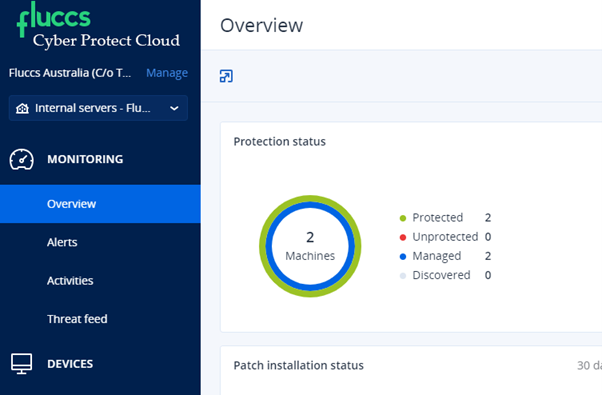
- Click on Devices:
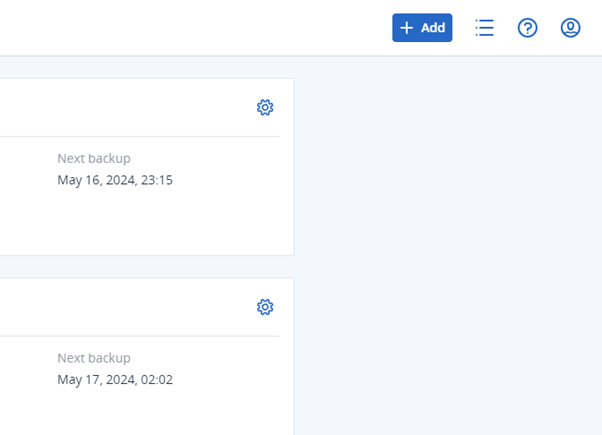
- Click on add (top right corner)
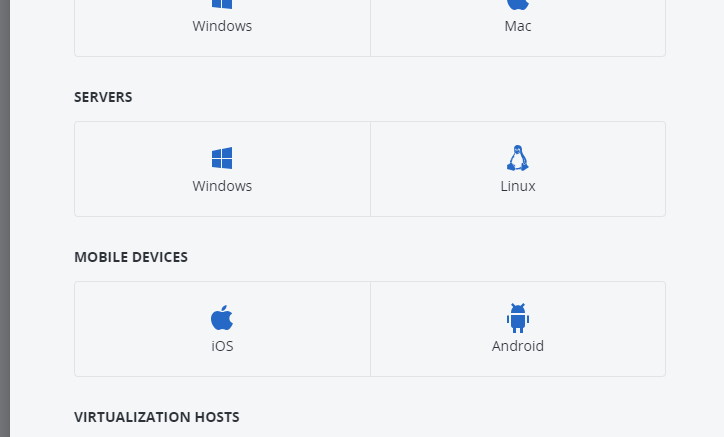
- Download the agent for Linux under Servers
- Once downloaded, you will need to upload the .bin to your server using WinSCP or any other tool
- Installation:
- SSH your server
- Add the permission to execute the .bin file: chmod +x FluccsCyberProtect_AgentForLinux_x86_64.bin (note that the file name might change, so make sure you use the correct file name)
- Execute the .bin file: ./FluccsCyberProtect_AgentForLinux_x86_64.bin
- Follow the Installation process and you'll have the option to Register the workload or to show the registration info
To register the workload you have 2 options:
1) You can click on "Register workload", which will provide a URL and a registration code.
Copy the URL and paste it into a browser, which will allow you to register the device.
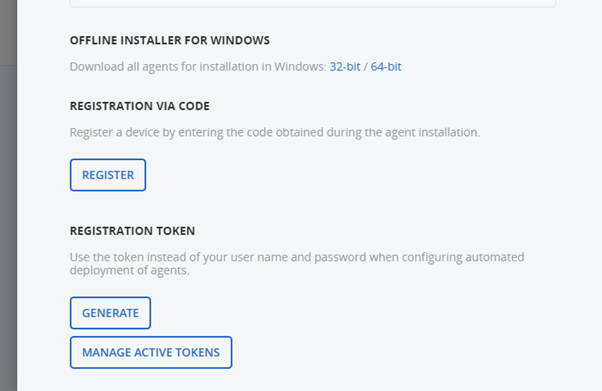
2) Click on "Add" again on the Acronis portal and scroll all the bottom then click "Register"